

Lightbits Proxmox plugin: what the NVMe/TCP storage plugin does and who it fits
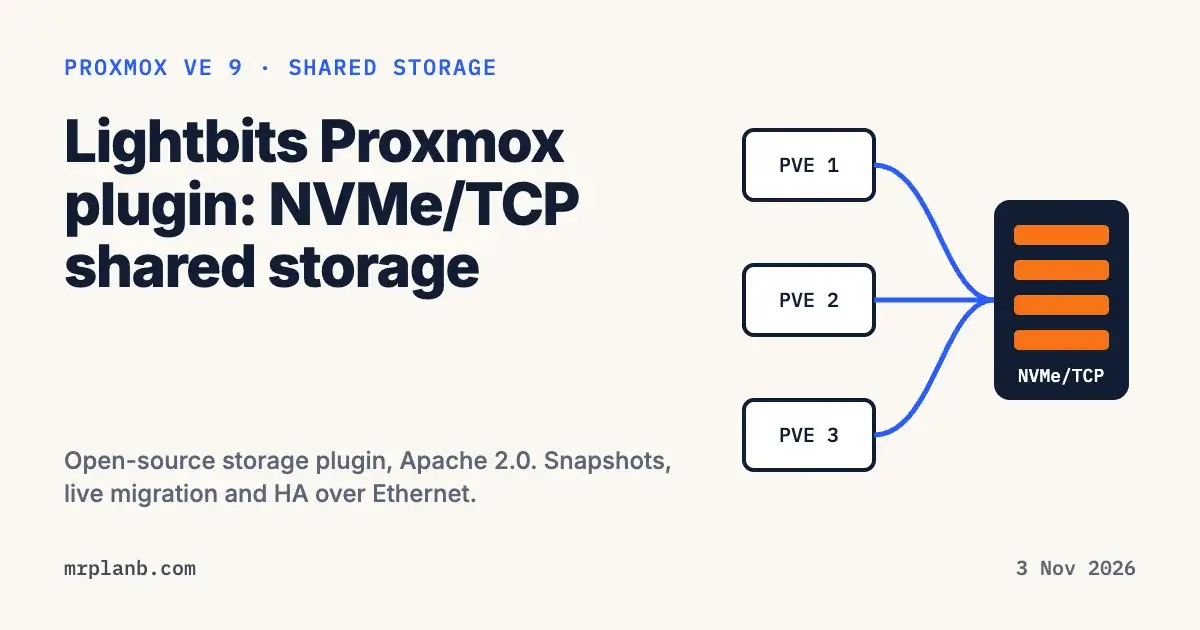
The Lightbits Proxmox plugin is a native, open-source Proxmox VE storage plugin that turns a Lightbits storage cluster into shared NVMe/TCP block storage for VM disks. You create, resize, snapshot and roll back disks from Proxmox, and because every node sees the same volumes, live migration and HA work. It needs Proxmox VE 9 and a Lightbits LightOS cluster.
Proxmox Server Solutions announced the partnership from Vienna on 29 October 2026. In the Proxmox press release, Lightbits Labs joins the Proxmox partner ecosystem as an official Solution Provider, and its partner listing is now live. In Google Trends, searches for "lightbits" over the last seven days ran 3,032% above the 83 days before. This post covers what the plugin does and how it sits next to the shared storage types Proxmox already ships.
What Proxmox and Lightbits announced
The press release says the plugin gives Proxmox VE software-defined block storage over NVMe/TCP on standard servers, using the Ethernet network you already have. Administrators can create, resize, snapshot and roll back VM disks from the Proxmox VE interface "without manual LVM or iSCSI setup", and all cluster nodes get shared access, so live migration and high availability work without extra configuration. Proxmox also says it removes the need for a Fibre Channel SAN, lets storage scale apart from the Proxmox nodes, and replicates data across storage nodes to survive drive or node failures.
Lightbits' own release, carried by StorageNewsletter on 30 October 2026, adds three details. Management works through the Proxmox VE web interface, the CLI and the API. Multipath connections protect against a failed network path. The plugin is Apache 2.0 licensed and on GitHub, and it supports Proxmox VE 9.x with all supported and maintained Lightbits releases.
Tim Marx, COO of Proxmox Server Solutions, said in the press release that Proxmox VE "supports a wide range of storage technologies" and that Lightbits adds a natively integrated option for performance-sensitive workloads. The release names databases, analytics and AI as those workloads.
What the plugin does, from the GitHub README
The code lives at LightBitsLabs/pve-lightbits. GitHub lists the Apache-2.0 license, a first commit in June 2026 and release v1.0.4 on 26 October 2026. The README describes the plugin as an open-source, community-driven project maintained by Lightbits and the community on a best-effort basis.
It adds a storage type called lightbits. When you create a VM disk, the plugin provisions a volume through the Lightbits REST API on port 443. When the VM starts, the node connects that volume over NVMe/TCP on port 4420, and it appears as a local NVMe block device. Discovery uses port 8009, handled by Lightbits' discovery-client daemon, so nodes added to the storage cluster later are found on their own.
The operations it supports, per the README:
- Resize a disk online with
qm resize; a running VM sees the new size at once. - Take a crash-consistent snapshot with
qm snapshotand roll back withqm rollback, done on the storage side without copying data through the host. - Live-migrate with
qm migrate --online; the target node is granted access to the same volume, so no disk copy happens. - Restart VMs from a failed node on a survivor when they are managed by
ha-manager. - Show total, used and free capacity of the Lightbits cluster on the Proxmox dashboard.
Volumes are thin provisioned, and the replica count is a setting on the storage entry (--lb_replica_count, default 1).
The README also lists limits worth knowing before you plan around it:
- Snapshots cannot be read as a block device, so backing up or cloning a VM from a snapshot is not supported. Back up or clone from the current state.
- Linked clones from templates are not supported; clones are full clones.
- TLS certificate checks on the API connection are off by default. The README recommends pinning the cluster's certificate fingerprint with
lb_fingerprint. - Containers, ISO images, vTPM and backups on this storage are on the roadmap, not in 1.0.
One point needs care in the GUI. Third-party plugins do not show up in Datacenter, Storage, Add, so the first step is pvesm add lightbits on the command line or an entry in /etc/pve/storage.cfg. After that the storage appears in the GUI tree for creating and deleting disks and viewing capacity.
How it compares to Ceph, iSCSI and NFS in Proxmox VE
The Proxmox wiki storage page lists which built-in storage types are shared across nodes and which support snapshots. These are the shared options most homelab and SMB clusters weigh, with Lightbits added from its own documentation:
| Storage | Level | Shared | Snapshots | Where the storage runs |
|---|---|---|---|---|
| Ceph/RBD | Block | Yes | Yes | On the Proxmox nodes (hyper-converged) or a separate Ceph cluster |
| iSCSI (kernel or libiscsi) | Block | Yes | Yes, see note | An external target, usually with LVM on top |
| ZFS over iSCSI | Block | Yes | Yes | An external ZFS server |
| NFS | File | Yes | Yes, via qcow2 | An external NAS or server |
| Lightbits (plugin) | Block | Yes | Yes, storage side | Separate Lightbits storage servers over NVMe/TCP |
The wiki notes add context. With shared iSCSI, Fibre Channel or SAS, LVM splits the LUN into VM disks, multipathing is usually required, and since Proxmox VE 9 VMs can take snapshots on such storage as volume chains. On file storage such as NFS, snapshots use qcow2, and the wiki warns that creating or deleting internal qcow2 snapshots blocks a running VM and is slow, especially on NFS.
Ceph is the usual answer when you want shared storage with no extra box. The Proxmox Ceph guide asks for at least three (preferably identical) servers, recommends at least 12 OSDs spread across them, and recommends at least 10 Gbps used only for Ceph traffic. It also warns that recovery can take long on small clusters. Lightbits takes the other route: storage runs on its own servers, and Proxmox nodes only need Ethernet reach to them and the nvme_tcp kernel module. That makes it a Ceph alternative for Proxmox clusters that are willing to run separate storage servers. For a wider look at the built-in choices, see our ZFS vs Ceph vs LVM thin comparison and the minimum viable Ceph cluster for SMBs.
Neither Proxmox nor Lightbits published benchmark figures with this announcement, so any speed comparison with Ceph or iSCSI on your hardware is yours to measure.
Who it fits
The plugin itself is free, but it only talks to a Lightbits LightOS cluster. The README states it is not part of the LightOS commercial product and not covered by LightOS support agreements unless a separate agreement says so. The Lightbits Proxmox page lists no prices and points to a licensing page and a "Talk to an Expert" form.
So the people most likely to gain from it are these:
- Teams already running Lightbits. The press release says existing Lightbits customers can connect their storage clusters to Proxmox VE.
- SMBs and MSPs leaving VMware that want a SAN-style design, with storage separate from compute, without Fibre Channel. Lightbits' StorageNewsletter release is aimed at organizations evaluating VMware alternatives.
- Clusters where Ceph's three-node, 10 Gbps baseline does not suit how you want to grow, because you want to add storage without adding Proxmox nodes.
For a typical homelab with two or three mini PCs, Ceph, ZFS replication or an NFS or iSCSI box stays cheaper and simpler. If you are on iSCSI today and fighting slow disks, our Proxmox iSCSI fixes for ex-VMware users may help more than a new backend.
How to try it
Lightbits recorded a full walkthrough, Deploying NVMe/TCP Block Storage, Start to Finish: installing the plugin, adding a Lightbits cluster as storage, booting a VM over NVMe/TCP with multipath, taking a snapshot and rolling back, and growing the volume while the VM runs.
The README steps, on each Proxmox VE 9 node:
- Clone the repo and run
./scripts/install.sh. It installs the plugin into/usr/share/perl5/PVE/Storage/Custom/, installsnvme-clianddiscovery-clientif missing, and restarts the Proxmox daemons that load storage plugins. Running VMs are not affected. - Collect from the Lightbits cluster its API endpoints, a cluster-level JWT token (from
/etc/lbcli/lbcli.yamlorlbcli create jwt) and the NVMe data endpoints. - Add the storage once with
pvesm add lightbits. On a cluster of two or more Proxmox nodes, include--shared 1and one--lb_owner_idfor the whole cluster before the first disk is created, or migration and HA will not see the volumes as shared. - Pin the certificate fingerprint with
pvesm set <storage> --lb_fingerprint.
The README carries a data-loss warning: a wrong project, storage ID or token can delete VM disks for good. Test on a non-production cluster first and keep independent backups.
Frequently Asked Questions
What is the Lightbits Proxmox plugin?
It is an open-source Proxmox VE storage plugin, Apache 2.0 licensed and on GitHub as LightBitsLabs/pve-lightbits. It adds a lightbits storage type, so Proxmox creates VM disks as volumes on a Lightbits cluster and connects them to each node over NVMe/TCP.
Does the Lightbits plugin work with Proxmox VE 8?
The plugin README and the Lightbits solution page list Proxmox VE 9.x, tested on 9.2, because the plugin uses the PVE 9 storage API. On the Lightbits side it lists LightOS 3.x, tested on 3.18.4, 3.20.1 and 3.21.1.
Is Lightbits a Ceph alternative for Proxmox?
For VM disks, yes. Both give every node the same block volumes, so live migration and HA work. The difference is where storage runs: Ceph runs on the Proxmox nodes themselves, while Lightbits runs on its own storage servers that Proxmox reaches over Ethernet.
Can I add Lightbits storage from the Proxmox web GUI?
Not the first time. The README says third-party plugins do not appear in Datacenter, Storage, Add, so you add it with pvesm add lightbits or in /etc/pve/storage.cfg. After that it shows in the GUI storage tree for disk creation, deletion and capacity.
Is the Lightbits Proxmox plugin free?
The plugin is free under Apache 2.0. It needs a Lightbits LightOS cluster to talk to, and the README says the plugin is not part of the LightOS commercial product or its support agreements. Lightbits does not list prices on its Proxmox page.