

5 Best Free Ways to Expose Your Home Server in 2026 (Tunnels, Limits, ToS Traps)
Getting to your homelab from outside no longer means forwarding a port and hoping. This guide compares five free options on what they actually permit: bandwidth, domains, and the terms-of-service questions that most guides answer with outdated confidence.
Free tiers shrink without warning.
Subscribe for infrastructure notes and guides from Mr.PlanB, including when the numbers on pages like this one move.
Quick comparison: free ways out of your home network
Free plans and terms change. Every figure here was checked against the provider’s own documentation on August 8, 2026. Verify before you rely on it.
| Option | Type | Domain | Free limits | The catch |
|---|---|---|---|---|
| Cloudflare Tunnel | Reverse tunnel | Your own, on Cloudflare | No published bandwidth cap on the free plan | Media-streaming rules are unsettled |
| Tailscale | Mesh VPN (+ Funnel) | Tailscale-provided for Funnel | 6 users, unlimited devices | Private by default; public sharing needs Funnel |
| ngrok | Reverse tunnel | 1 free static domain | Free tier, one online agent | Interstitial warning page on free static domains |
| ZeroTier | Mesh VPN | None (private addressing) | 25 nodes on the free plan | Private network only; nothing is published publicly |
| WireGuard on a free VPS | Self-hosted tunnel | Your own | Bounded by the free instance | You build, secure and maintain all of it |
1. Cloudflare Tunnel
Reverse tunnel · No published bandwidth cap on the free plan
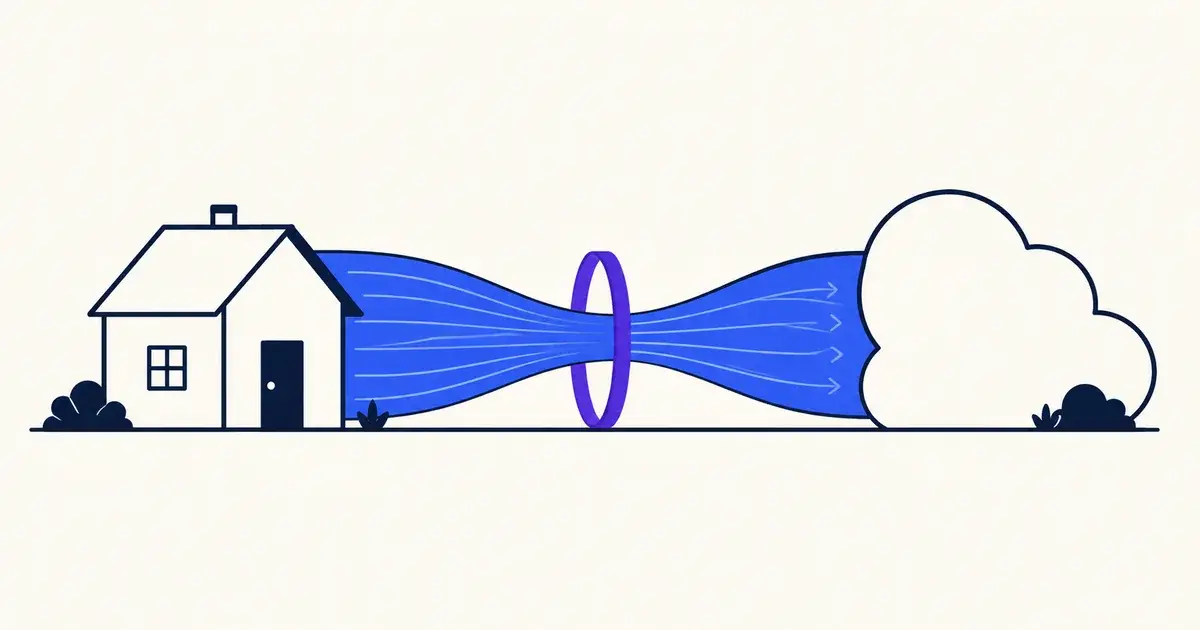
This is the default choice for publishing a home service properly. A daemon on your machine dials out to Cloudflare and holds the connection open, so nothing is port-forwarded and your home IP never appears in DNS. You get TLS, DDoS protection and Cloudflare Access in front of it if you want authentication.
The only cost is a domain using Cloudflare's nameservers.
For years the advice was that streaming Plex or Jellyfin through a tunnel violated section 2.8 of Cloudflare's terms, and many guides still repeat it incorrectly. That section has since been removed, and Cloudflare has not published a clear replacement rule that says what is and is not allowed for large media through the free proxy. Media streaming is no longer prohibited by the clause everyone cites, and it is not clearly permitted either. If your media library matters to you, read the current terms yourself instead of trusting any listicle, including this one, and consider putting media on a path that does not transit the proxy.
Best for: Publishing a web service on your own domain, safely, without touching your router.
Cloudflare Tunnel docs2. Tailscale
Mesh VPN (+ Funnel) · 6 users, unlimited devices
The free plan got substantially better in April 2026: it moved from 3 users and 100 devices to 6 users and unlimited devices. Most comparisons have not caught up, so if you read elsewhere that you are capped at 100 machines, that is stale.
Tailscale builds a private WireGuard mesh between your devices. Nothing is exposed to the internet. You reach your Proxmox host from your laptop as though you were at home. For most homelab problems this is the correct answer and the safest one, because there is no public surface to attack.
When you need something public, Tailscale Funnel forwards a service to the open internet on a Tailscale-provided hostname. It works well for demos and light sharing, but it is not designed as a general-purpose CDN and you do not get your own domain on it.
Best for: Reaching your own homelab from anywhere. It is the default choice for admin access.
Tailscale pricing3. ngrok
Reverse tunnel · Free tier, one online agent
ngrok is the fastest way to put localhost on the internet, and it improved when it started giving every free user one permanent static domain instead of random URLs that expired after eight hours.
The blocker for anything public-facing is the interstitial: visitors to a free ngrok endpoint get an ngrok warning page before your content. That is fine when you are testing a webhook or showing a colleague, and fatal if you wanted to send the link to actual users.
Treat it as a development tool that happens to be reachable from outside, and use something else for hosting.
Best for: Webhook development and temporary sharing, where the interstitial does not matter.
ngrok pricing4. ZeroTier
Mesh VPN · 25 nodes on the free plan
ZeroTier is the other mesh option, with a different design: it emulates an Ethernet switch, so joined machines behave as though they share a LAN. That makes it appealing for things that expect layer-2 adjacency and awkward broadcast-based protocols.
The free plan allows twenty-five nodes, which is more than most homelabs need. As with Tailscale, this does not expose anything publicly. It is for you and people you explicitly invite.
Choose it over Tailscale if you specifically want the flat-LAN behaviour; otherwise Tailscale's identity model and tooling are easier to live with.
Best for: Homelabs that want machines to behave as if they share one LAN.
ZeroTier pricing5. WireGuard on a free VPS
Self-hosted tunnel · Bounded by the free instance
This option involves no tunnel vendor. Take one of the always-free cloud instances, run WireGuard on it, and route traffic from that public IP down to your home server. The VPS becomes your front door and your home IP stays hidden.
Nothing can be revoked here except the free instance itself, and you keep full control of TLS, routing and what is exposed. That is a real advantage over every managed option above.
The costs are equally real: you are now responsible for patching the VPS, configuring the firewall correctly and not misrouting your own traffic. Free tiers also cap egress (Google's free instance includes only 1 GB of outbound transfer per month), so this is a poor path for anything media-heavy.
Best for: People who want no dependency on a tunnel provider and are happy running one more box.
WireGuard quick start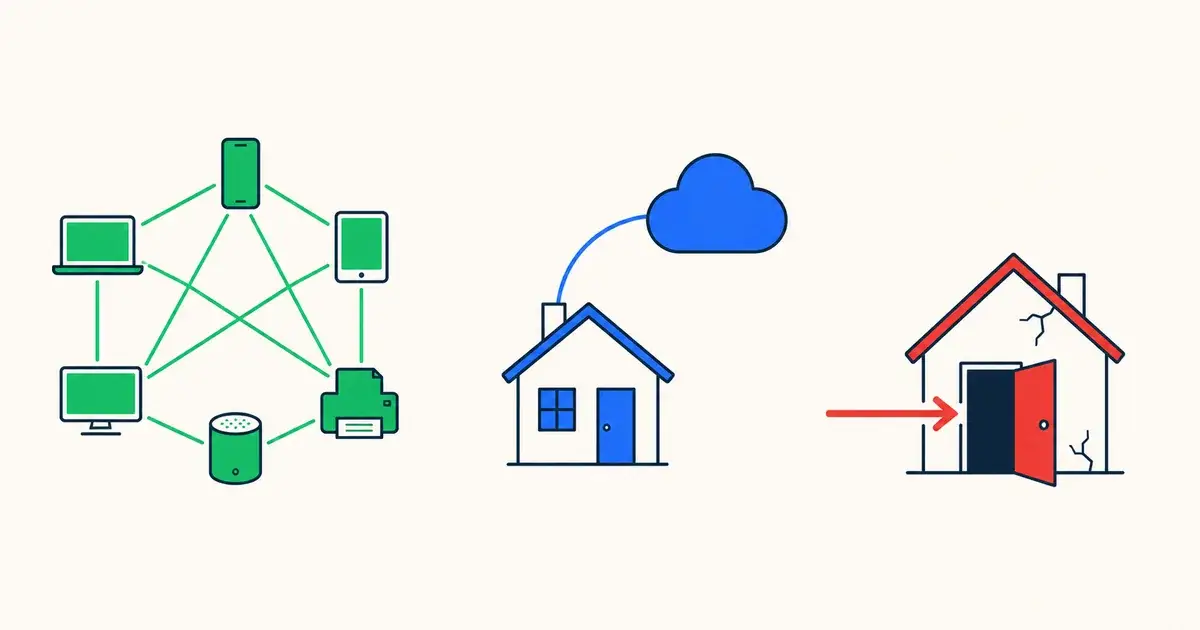
How to choose one
Ask who needs access before anything else. If the answer is “me and my family”, use a mesh VPN and stop there, because you have removed the public attack surface entirely. Only reach for a tunnel when strangers need to load the thing.
Never publish the hypervisor. Expose the individual service, not the Proxmox management interface. Root-equivalent control of every VM you own does not belong behind a public URL, no matter how good the TLS is.
Read the terms for your actual workload. Most of these are fine for a dashboard and questionable for a media server. The Cloudflare media question in particular is still unsettled, and any guide that answers it with total confidence in either direction is guessing.
Monitor the tunnel, not just the service. A tunnel daemon that dies takes everything behind it offline while the server itself looks perfectly healthy, so check it from outside, using one of the free uptime monitors. If you take the WireGuard route, the endpoint can live on a free VPS instance.
Frequently asked questions
Is streaming Plex or Jellyfin through Cloudflare Tunnel allowed?
It is no longer prohibited by the specific clause everyone quotes: section 2.8 of Cloudflare's terms, which restricted non-HTML content through the proxy, has been removed. Cloudflare has not replaced it with a clear rule stating what volume of video is acceptable on a free plan, so the position remains ambiguous. If your media library matters, read Cloudflare's current terms yourself and consider a path that does not transit the proxy, such as a Tailscale connection between your own devices.
Tunnel, VPN or port forwarding: which do I actually want?
If only you and your household need access, use a mesh VPN like Tailscale or ZeroTier: nothing is exposed publicly, which removes the entire attack surface. If strangers need to reach it, as with a public site or a shared link, use a reverse tunnel like Cloudflare Tunnel. Port forwarding is the option to avoid: it publishes your home IP, requires you to manage TLS and firewalling yourself, and is the usual way homelabs end up compromised.
Do I need my own domain?
For Cloudflare Tunnel, yes. The domain must use Cloudflare's nameservers, and that is effectively the price of admission. ngrok gives you one free static domain on theirs. Tailscale Funnel provides a Tailscale-hosted hostname. The mesh options do not use public DNS at all. So a domain is only strictly required if you want to publish something under your own name.
What is the safest way to reach the Proxmox web interface remotely?
Do not expose it to the internet at all. The Proxmox VE web UI runs as root-equivalent access to your entire virtualisation stack, and putting that behind any public URL, even one with TLS, is a poor trade. Put it on a mesh VPN instead, so it is reachable only from your own devices. If you must publish something, publish the individual service, never the hypervisor's management interface.
Will a free tunnel handle real traffic?
For a personal site, dashboard or API, comfortably. For sustained high-bandwidth traffic, no, and the usual constraint is the free plan behind the tunnel. Egress allowances on free cloud instances are small (Google's includes 1 GB per month), managed tunnels are not sold as CDNs, and consumer upload speeds cap you long before anything else does.
Related guides
Last verified August 8, 2026.