

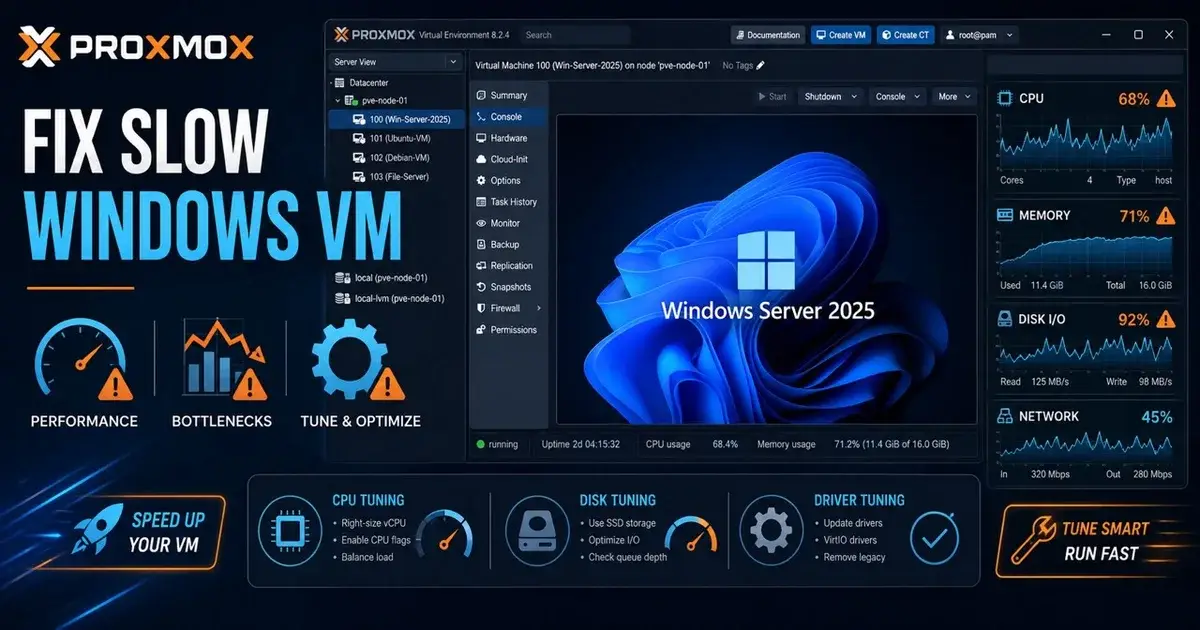
Windows Server 2025 on Proxmox VE 9.2: Slow VM Fixes
If Windows Server 2025 feels slow on Proxmox VE 9.2 while Windows Server 2022 is responsive on the same host, do not assume you have found a Proxmox 9.2 bug. First compare drivers, CPU presentation, storage latency, Windows power policy and guest configuration with a clean control VM.
An August 2026 Proxmox forum report gives a useful example. The operator ran Windows Server 2025 and Server 2022 on the same Xeon E5-2620 v4 host with similar resources, and Server 2025 felt sluggish even after changing CPU models and VirtIO SCSI controller variants. That is a reproducible case for that environment, but it is not enough evidence to claim every Server 2025 VM on Proxmox VE 9.2 is affected.
What was reported on Proxmox VE 9.2?
The reported host ran Proxmox VE 9.2.0 with PVE Manager 9.2.5, kernel 7.0.14-8-pve and QEMU 11.0.2-2. Storage was local LVM behind an HPE Smart Array H240.
The Windows Server 2025 test VM had 8 vCPUs, 12 GB RAM, one socket, NUMA disabled, CPU type host, OVMF, Q35, VirtIO networking, a 180 GB disk, TPM 2.0 and the QEMU Guest Agent. The operator then created a Windows Server 2022 VM on the same physical host with a similar configuration, and the Server 2022 guest was responsive. That is a good troubleshooting pattern, because it holds much of the hardware constant.
If you have seen similar Windows guest problems, Mr.PlanB also has a separate case study on Windows 11 performance problems on Proxmox.
1. Are the Windows VirtIO drivers installed correctly?
VirtIO should be one of the first checks because Windows does not include all Proxmox paravirtualized drivers by default. Proxmox recommends VirtIO for disk and network performance, and a VM can boot with emulated hardware and still perform poorly compared with a properly configured VirtIO guest.
Open Device Manager and look for unknown devices or generic controllers. Confirm the VirtIO network adapter is using the expected driver and that the storage controller matches the driver you installed.
Do not update every driver during the same test. Record the current driver versions first, change one component, reboot if required and retest the exact same workload. You are trying to find a cause, and ten changes at once followed by hoping the VM feels better will not tell you which one mattered.
2. Which disk controller should Windows Server 2025 use?
Proxmox's Windows Server 2025 guest best-practice guide recommends a SCSI disk with VirtIO SCSI single as the controller. It also recommends write back caching for best performance, with the usual requirement that you understand the data safety implications of caching. That is a sensible baseline.
However, the August forum case had already tested both VirtIO SCSI Single and VirtIO SCSI without resolving the slowdown, so controller choice was not the obvious fix in that specific environment.
Your test should include storage latency as well as throughput. A desktop can feel terrible when 4K random I/O latency is high even if a sequential benchmark reports respectable MB/s. Watch Windows disk response time and Proxmox host storage latency while opening Server Manager, installing updates and doing ordinary administrative work. If the host storage is already slow, changing the virtual controller will not rescue it.
3. Should the CPU type be set to host?
host is a good performance baseline when you do not need live migration between hosts with different CPU generations. It exposes more of the physical CPU's capabilities to the guest. For a cluster with mixed processors, a common virtual CPU model may be more practical because migration compatibility matters.
The forum report helps again here: the operator tested host, x86-64-v2-AES and x86-64-v3 and still saw the problem, which makes a simple CPU model mismatch less convincing in that case.
Run the same kind of controlled test yourself. Use a repeatable CPU benchmark or workload and collect host and guest utilization. If the guest is sluggish while the host has idle CPU, look at per-vCPU behavior, scheduling and guest latency before assuming the server needs more cores. More vCPUs can make a VM harder to schedule, and eight vCPUs are not automatically faster than four for a light administrative server.
4. Could the Windows power plan make the VM feel slow?
Yes. Microsoft documents cases where the default Balanced power plan can increase response time for some Windows Server workloads, including virtual environments. That does not mean every Server 2025 VM should be forced to High Performance forever, but it makes a good diagnostic test.
Capture a baseline, switch the guest to High Performance, and repeat the same task and benchmark. If latency improves materially, you have found a useful lead, and you can then decide whether the power and performance tradeoff is appropriate.
Also inspect the host firmware and host power policy, since a guest cannot create CPU performance that the physical server is not making available. Older Xeon platforms can behave differently from newer systems around frequency scaling and virtualization, which makes a same-host Server 2022 comparison especially valuable.
5. Is storage behind a RAID controller part of the problem?
It can be, but prove it before blaming the controller. The reported environment used an HPE Smart Array H240 with local LVM storage, a normal architecture for many older enterprise servers.
Check controller cache state, battery or capacitor health, physical disk health, queue depth and whether the logical drive has entered a degraded state. A RAID controller with disabled write cache can produce a dramatic latency change without Proxmox being the root cause.
Compare the Windows Server 2025 and 2022 guests on the same datastore. If Server 2022 stays responsive while Server 2025 shows much higher guest latency for the same I/O pattern, the investigation moves back toward the guest software and driver stack. If both become slow under the same host load, the storage layer deserves more attention.
6. Should you enable the QEMU Guest Agent?
Yes. Proxmox's Windows Server 2025 guide includes the QEMU Guest Agent in its recommended setup. The guest agent improves host and guest coordination and enables features such as clean shutdown handling and better guest information.
It will not speed up every VM, though. If enabling it suddenly changes a benchmark by a huge amount, investigate what else changed. Its main value is integration and manageability, so treat it as part of a correct baseline configuration rather than a fix for a slow desktop.
7. Are you measuring the desktop or the server workload?
Remote desktop responsiveness is useful evidence, but on its own it is too thin. Measure CPU time, storage latency, memory pressure and network behavior while the guest feels slow, then measure the actual workload the server is supposed to run.
A Server 2025 VM hosting SQL Server, Active Directory, IIS or file services needs different tests from a VM whose main complaint is that Server Manager opens slowly. This also helps separate graphics and remote session behavior from compute or storage performance. If the actual service throughput is normal but the GUI feels sluggish, the scope of the problem becomes much smaller.
8. Could security features change the comparison?
Yes. Windows Server releases and installation choices can enable different security features, virtualization based protections or credential protections depending on policy and image.
Do not disable security features blindly to gain a benchmark score. Compare what is actually enabled in the Server 2025 and Server 2022 guests, and check Group Policy, virtualization based security, Defender settings and any endpoint security product. If the 2025 VM came from a different image or policy set, the comparison may not be as identical as the VM hardware settings suggest.
Temporarily changing one security feature in an isolated test VM can help identify overhead, but production policy should be decided by risk rather than by a synthetic benchmark.
9. Should you downgrade from Proxmox VE 9.2?
Not based on one slow VM. First reproduce the behavior on a clean Windows Server 2025 guest built from the current ISO with Proxmox's documented best practices, and keep a Server 2022 control guest on the same host. Then test the same Server 2025 image on another Proxmox node if you have one.
If the problem follows the guest image, focus on Windows and drivers. If it follows one host, focus on firmware, CPU, storage and host configuration. If it appears only on Proxmox VE 9.2 across different hardware, you have much stronger evidence for a platform level regression.
Mr.PlanB's Proxmox 9.1 upgrade issue roundup shows why it helps to separate individual hardware reports from broad regressions.
What would I test first?
I would build a fresh Server 2025 VM using OVMF, Q35, VirtIO networking, VirtIO SCSI Single, current VirtIO drivers and the QEMU Guest Agent, and place a fresh Server 2022 VM beside it with the same virtual resources. Then I would run four controlled tests: CPU, 4K storage latency, sequential storage throughput and ordinary interactive administration.
If Server 2025 is slower, I would compare Windows power policy, security features and driver versions before touching Proxmox. If both guests are slow, I would move down the stack to host power management, RAID controller state and physical storage.
What you want to find is the first layer where the two otherwise similar VMs behave differently. A verdict like "Server 2025 is bad" does not get you there.
Frequently Asked Questions
Is Windows Server 2025 slow on Proxmox VE 9.2?
Some users report Windows Server 2025 feeling slower than Server 2022 on the same Proxmox VE 9.2 host, but that does not establish a general Proxmox regression. Compare against a clean control VM and measure CPU, storage and driver behavior.
What disk controller should Windows Server 2025 use on Proxmox?
Proxmox's Windows Server 2025 best-practice guide recommends a SCSI disk with the VirtIO SCSI Single controller. It also recommends installing the Windows VirtIO drivers.
What network adapter should Windows Server 2025 use on Proxmox?
For normal high-performance deployments, use the VirtIO paravirtualized network adapter with the matching Windows VirtIO driver. Proxmox recommends VirtIO for disk and network performance.