

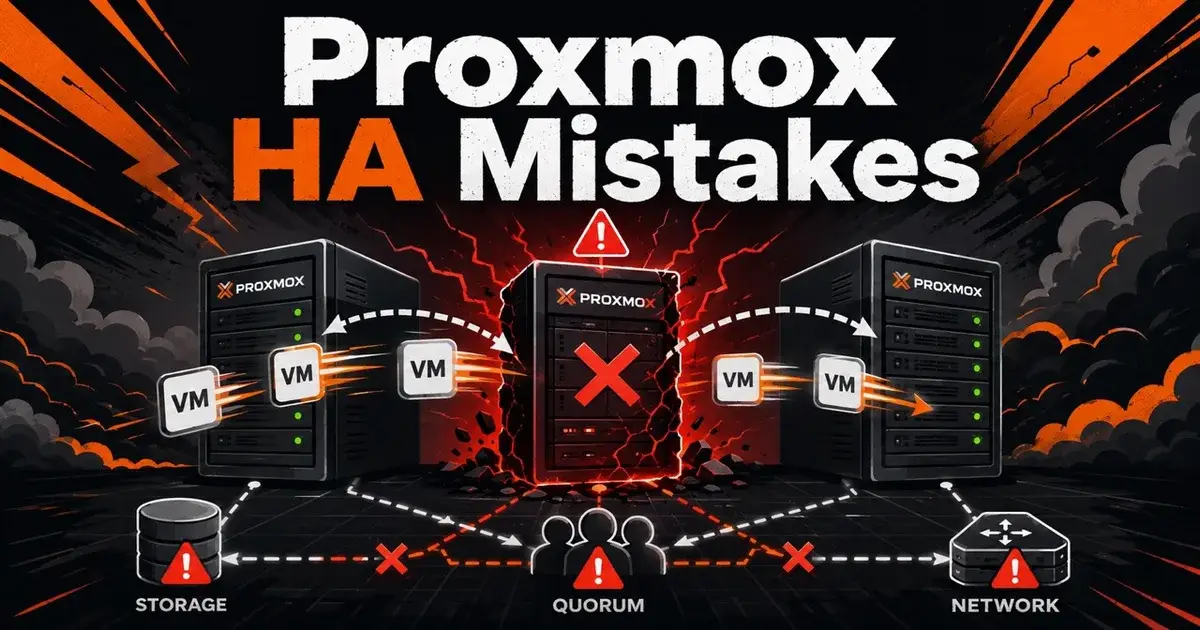
Proxmox HA Mistakes: 10 Failover Problems to Avoid
Proxmox HA fails most painfully when the cluster is technically configured for high availability but the surrounding design cannot support the failover you expect. The common problems are quorum, storage access, fencing, placement rules, capacity and untested application recovery.
As of August 2026, Proxmox recommends at least three cluster nodes for reliable quorum, and its HA manager uses watchdog based fencing to prevent a failed or isolated node from continuing to run the same workload. Those two details explain why a cluster that looks redundant on a diagram can still fail badly in practice.
What does Proxmox HA actually protect?
Proxmox High Availability automatically manages selected virtual machines and containers so they can be restarted on another healthy node after a host failure. It does not make the guest operating system or the application inside that guest instantly available, and that distinction matters.
If a database VM needs four minutes to boot and another three minutes for the database to pass health checks, the application outage is longer than the cluster's host failure detection time. Proxmox documentation describes typical HA error detection and failover at around two minutes, which is only one part of the recovery path.
If you are still deciding how small an HA design can reasonably be, read Ceph, HA, and the Minimum Viable Cluster for SMBs.
1. Why is a two-node Proxmox HA cluster risky?
A two-node cluster loses a simple majority when one node disappears. Proxmox recommends at least three nodes for reliable quorum because the remaining nodes need enough votes to determine which side of a partition is allowed to act.
A QDevice can add an external vote to a two-node cluster. That can be a useful design for small environments, but it does not turn two servers into three. You still have only two compute nodes, and a failure can leave all workloads concentrated on one machine.
The practical mistake is planning only for quorum and forgetting capacity. If node A and node B each run at 70 percent memory utilization, losing either node leaves no safe place to restart everything. Quorum may be healthy while capacity is not.
The two-node Proxmox quorum guide goes deeper into that failure mode.
2. What happens when the target node cannot see the VM storage?
HA cannot restart a VM successfully on a node that cannot access its disks. This sounds obvious, but asymmetric storage access is one of the easiest ways to create a cluster that passes normal operations and fails during an emergency.
Imagine four nodes. Three can see an iSCSI LUN, and the fourth is compute only and uses a different storage system. If an HA workload on that LUN is allowed to land on the fourth node, the placement decision can become invalid for that VM.
The fix is architectural. Every eligible failover node must have access to the storage required by that workload, or your HA placement policy must keep the workload away from nodes that cannot run it. Do not wait for a power failure to discover that storage visibility differs between nodes.
3. Why is fencing more important than fast failover?
Fencing protects data by making sure the failed or isolated node is no longer allowed to run HA resources before another node restarts them. Proxmox uses watchdog based fencing as part of its HA architecture.
The dangerous scenario is split brain. One side of a network partition believes the other side is dead, but the isolated host is still running the VM and still writing to storage. Starting a second copy elsewhere can corrupt data.
This is why aggressively shortening failure timers without understanding fencing is a bad idea. A faster restart is useless if it increases the chance of two active writers.
Test watchdog behavior on the actual hardware. A configuration file that says fencing exists is weaker evidence than a controlled failure test.
4. Why should you separate cluster communication from noisy traffic?
Corosync traffic is small, but it is latency sensitive. A cluster network that shares congested paths with backup jobs, storage replication, large migrations or unstable switching can produce symptoms that look like node failure.
Proxmox cluster design guidance emphasizes reliable networking because quorum depends on nodes being able to communicate consistently.
Bandwidth is not the only metric that matters. A 10 GbE link with packet loss and unpredictable latency can be worse for cluster communication than a quieter 1 GbE path.
Monitor packet loss, latency and switch behavior. If the cluster becomes unstable every time backups start, your HA policy is the wrong place to look.
5. Why does shared storage not automatically mean HA?
Shared storage solves disk accessibility. It does nothing for compute capacity, guest boot failures, bad placement rules, network dependencies or application state.
NFS, iSCSI, Fibre Channel and Ceph can all provide storage that multiple nodes can access, depending on your architecture. The storage system itself then becomes part of the availability design.
A single NAS with one controller and one network path can give every Proxmox node shared access while still remaining a single point of failure.
The same logic applies to Ceph. Ceph removes some central storage dependencies, but only if you have enough failure domains, healthy OSDs and suitable networking.
The tradeoffs are covered in Proxmox HA Storage: Ceph vs ZFS Replication vs NAS.
6. Can ZFS replication replace shared storage for HA?
ZFS replication can reduce dependence on shared storage, but it changes the recovery model. Proxmox storage replication copies guest volumes between nodes on a schedule, with a minimum documented interval of one minute, so the secondary copy can lag behind the active VM.
If a node fails suddenly, the most recent writes after the last completed replication may not exist on the target. For some workloads that is acceptable. For a transactional database, it may not be.
Do not describe ZFS replication as zero data loss HA unless the application has another mechanism protecting those writes. What you need to settle is your recovery point objective: how much recent data can you afford to lose?
7. What is wrong with old HA groups in Proxmox VE 9?
Proxmox VE 9 moved away from HA groups toward HA node affinity rules. Existing HA groups are deprecated and are migrated to the newer node affinity model.
This matters during upgrades because old assumptions about preferred nodes and failback behavior may survive in a form you have not reviewed. After moving to Proxmox VE 9, inspect every HA rule. Confirm which nodes are eligible, which are preferred and whether failback is actually desired.
A service that constantly migrates back to a preferred node after maintenance can create unnecessary movement. A service with overly strict placement can become impossible to start when one node is down.
Placement policy should describe a real operational requirement instead of encoding the current layout forever.
8. Why do HA clusters fail during planned maintenance?
Planned maintenance is where you discover whether the cluster has enough spare capacity. If evacuating one node pushes the remaining hosts past safe memory or storage limits, the design had no real N plus one capacity.
Proxmox provides HA maintenance behavior and shutdown policies, including a migrate policy that attempts to move running HA services away before shutdown proceeds. Use those features deliberately.
Before patching a node, check free memory, CPU headroom, storage paths and any passthrough devices that prevent migration. A VM with a passed through GPU or HBA may not move like an ordinary VM.
Maintenance is a controlled version of failure, so treat it as a recurring HA test.
9. Why can a healthy VM still mean a failed service?
The hypervisor knows whether the virtual machine is running. It may not know that the application inside it is serving users correctly.
A Windows VM can boot while Active Directory replication is broken. A Linux VM can run while PostgreSQL is stuck in recovery, and a web server can respond locally while the load balancer cannot reach it. Infrastructure HA stops short of all of that.
Monitor the service as well as the VM state. Add application health checks, dependency checks and external synthetic tests where the workload justifies them.
If your availability target is defined at the business service level, your test must also be defined at that level.
10. Why is an untested HA cluster not really HA?
The most expensive HA mistake is assuming the design works because all nodes show green.
In a maintenance window, pull a cable, power off a node, break one storage path, stop a switch port or reboot a quorum participant, and record what happens and how long recovery takes. Do not test everything at once.
Start with one controlled failure and measure four times: detection, guest restart, operating system readiness and application readiness. Those numbers become your real recovery baseline.
Then test the backup path too. HA protects uptime from some infrastructure failures, but it does not replace backups against deletion, corruption or ransomware.
What would I change first in a fragile Proxmox HA cluster?
I would first make the failure domain explicit. List every HA VM, the nodes allowed to run it, the storage it needs, its network dependencies and the spare capacity required after one node fails. Then I would test one host failure.
If the cluster has only two nodes, I would fix quorum design before adding more HA workloads. If storage access differs by node, I would fix placement rules or storage architecture before trusting automated restart. If the cluster cannot lose one host without exhausting RAM, I would reduce load or add capacity.
A smaller cluster with predictable failure behavior is more useful than a complicated HA design that has never been forced to fail.
Frequently Asked Questions
How many nodes do you need for reliable Proxmox HA?
Proxmox recommends at least three cluster nodes for reliable quorum. A two-node design can use a QDevice for an additional vote, but it still fails differently from a three-node cluster.
How long does Proxmox HA failover take?
Proxmox documentation says typical HA error detection and failover is around two minutes. Application recovery can take longer because the guest still has to boot and the application must become ready.
Does Proxmox HA require shared storage?
Shared storage is the standard HA design because another node can immediately access the same VM disks. ZFS replication can also support recovery workflows, but the recovery point is limited by the last successful replication.