

Proxmox Backup Server as a VM or on its own box: how to decide
Running Proxmox Backup Server as a VM is fine as long as it is not your only copy. A PBS VM on the host it protects dies with that host, so it can serve as a quick first copy that syncs somewhere else. If you can afford one more box, even a small one with a few disks, put PBS there and keep the VM idea for a second site or a lab.
This question came up twice in the last week on r/Proxmox. One thread asked whether PBS belongs in a VM at all. The other asked whether a dedicated PBS box with a ZFS HDD mirror and a special vdev is safe. They are the same decision seen from two ends, so here is how I would answer both.
What actually goes wrong with PBS in a VM
On a normal day, nothing. Backups run, deduplication works, restores of a single VM are quick because everything is local. The trouble is the day you need it most.
Picture a single Proxmox host with a PBS VM whose datastore sits on the same pool as the production VMs. The pool fails, or the host's boot disk and the controller both go. Now the production VMs and their backups are on the same broken hardware. You cannot restore anything until you rebuild the host, rebuild PBS, and hope the datastore disks are readable.
The PBS docs are blunt about this. The installation guide lists installing PBS on Proxmox VE as possible but "not recommended". That is the vendor telling you where the supported line is.
There is also a speed side, which I covered in running PBS on the same host: virtual NICs and stacked virtual disks can hold a fast server to a few hundred MB/s. Speed can be tuned with multiqueue and MTU settings, while sharing hardware with the VMs you protect stays a risk whatever you tune.
When a PBS VM is a reasonable choice
A PBS VM still has a place. It makes sense when:
- It runs on a different host from the VMs it protects, for example in a two-node cluster where each node backs up to PBS on the other.
- Its datastore lives on disks passed through to it, so the disks can be moved to another machine and read there.
- It is the first copy, and a sync job sends the data to a second PBS or an S3 bucket.
- It is a lab, and losing the backups costs you a weekend, not a business.
The second point is the one people skip. If the PBS VM dies but the datastore disks are fine, you can install PBS again and add the datastore back. The storage docs describe re-adding an existing datastore on a fresh install with the reuse option and the same datastore name. Do it once on a test datastore so you know the steps before the bad day.
The dedicated box, and the special vdev question
For a small office, the box does not need to be big. What matters is that it does not share disks, power supply or a controller with the hosts it protects.
The PBS hardware recommendations favour fast local storage with high random IOPS, ideally enterprise SSDs. If you use HDDs, the docs say a metadata cache is "highly recommended", for example a ZFS special device mirror. PBS stores backups as many small chunks, and walking them during verify and garbage collection is metadata-heavy work that slow disks struggle with.
So is the HDD mirror plus special vdev safe? Yes, with two conditions from the ZFS section of the PBS docs:
- Mirror the special device. The docs say its redundancy should match the pool, because the special device is a point of failure for the entire pool. One SSD as a special vdev on a mirrored HDD pool means one SSD failure loses every backup.
- Plan before you add it. Adding a special device to a pool cannot be undone.
The docs give the command for an existing pool:
zpool add <pool> special mirror <device1> <device2>
Use two SSDs with power-loss protection if you can, and watch their wear in the PBS dashboard like any other disk.
Three setups that work for a small shop
One host, little budget
PBS VM on the host, datastore on a separate passed-through disk, and a sync job to an off-site PBS or a cheap storage box. You get fast local restores and a copy that survives the host.
One or two hosts, some budget
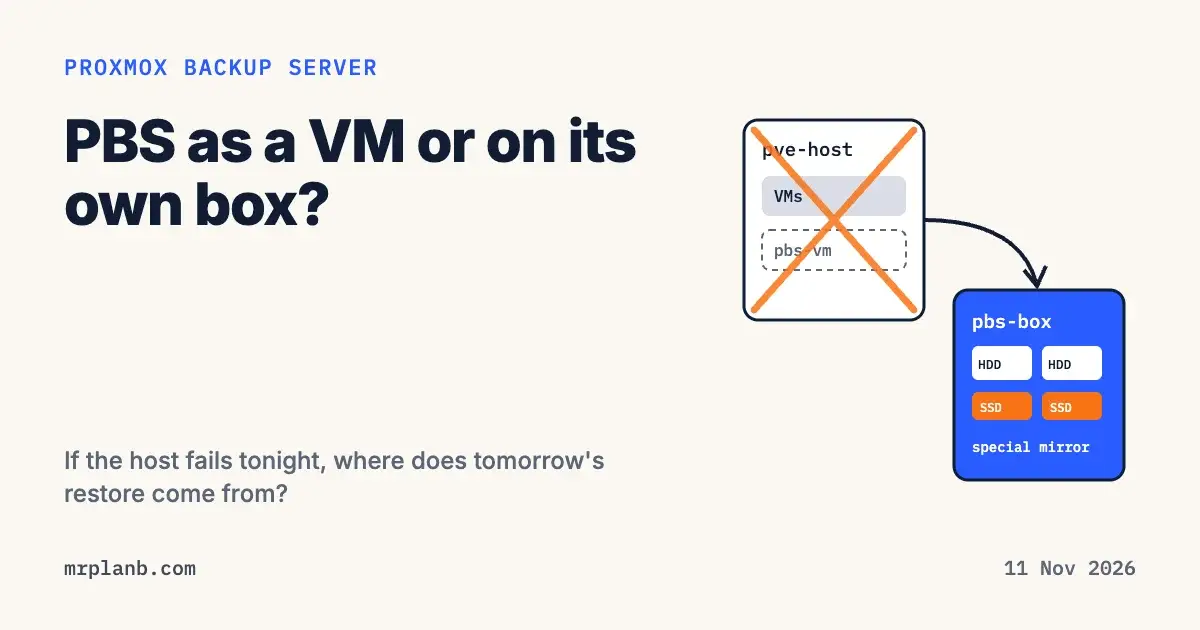
A small dedicated PBS box: two HDDs mirrored, two small SSDs as a mirrored special vdev, a 2.5 or 10 GbE link. Add a second copy off site with a sync job. This is the setup I would pick for most 10 to 50 VM shops.
A cluster
PBS on its own box, plus a second PBS at another site. PBS sync jobs run in pull or push direction, so the remote site can pull or the main site can push. The docs advise a dedicated remote user for each push job, so two jobs pushing to the same target do not remove each other's snapshots.
In all three, the backups only count once you have restored from them. Schedule restore tests and write down how long the last one took.
How I would decide
Ask one question: if this Proxmox host caught fire tonight, where would tomorrow's restore come from? If the answer is "the PBS VM on that host", that copy burns with the host. Add a second PBS, a sync target or a box of its own, in that order of cost.
If you are weighing this for a real office and want someone to check the plan, my written second opinion reads your setup and restore path and tells you what will bite first.
Frequently Asked Questions
Can I run Proxmox Backup Server as a VM on the Proxmox host it backs up?
You can, and it works day to day. The problem is the bad day: if that host or its storage dies, the backups go with it. Treat a PBS VM on the same host as a fast first copy only, and sync it to a second PBS or another location.
Does Proxmox support installing PBS on a Proxmox VE host?
The PBS installation guide says PBS could be installed on Proxmox VE, but marks it as not recommended. A separate install on its own hardware, or at least its own disks, is the supported path.
Is a ZFS special vdev safe on a dedicated PBS box with HDDs?
Yes, if it is mirrored. The PBS docs recommend a metadata cache such as a ZFS special device mirror for HDD datastores, and warn that the special device is a point of failure for the whole pool, so its redundancy should match the pool. Adding it cannot be undone.
What if my PBS VM is lost but the datastore disks survive?
Install PBS fresh and add the datastore again with the reuse option, using the same datastore name. The backups on the disks become visible again. Test this once before you need it.
Do I need a second PBS?
For anything that matters, yes, or another copy outside the building. PBS sync jobs can pull from or push to a remote PBS, which is the usual way to get the off-site copy of the 3-2-1 rule.