

Veeam Restore Mistake: How Dev Hit Production
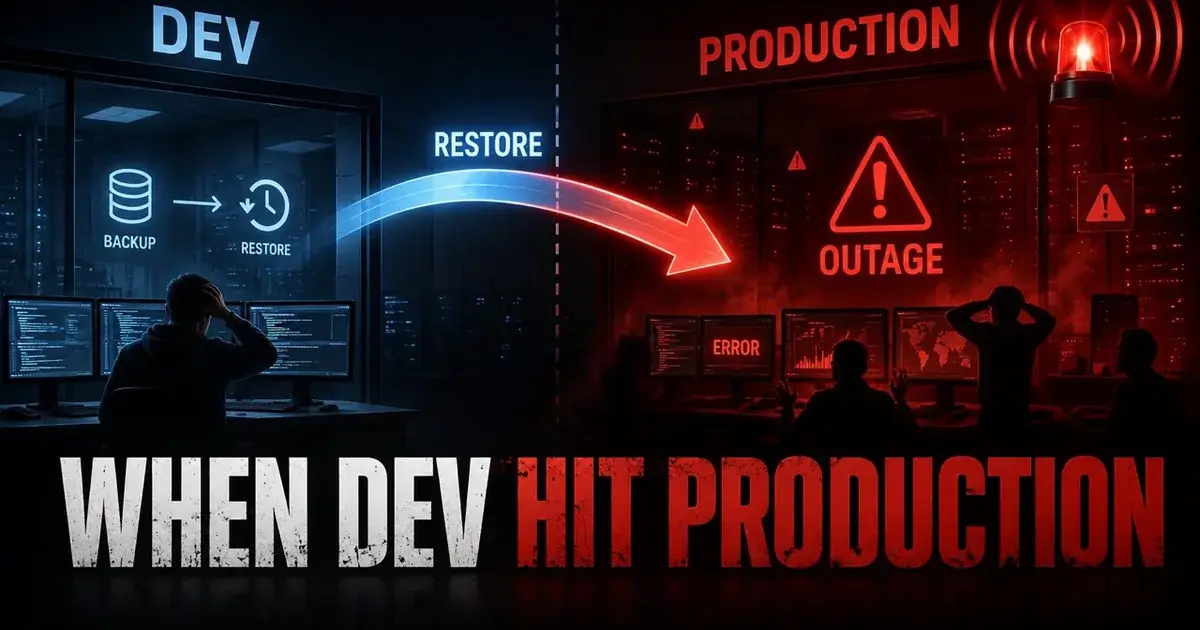
A Veeam restore intended for development hit production because one hosts-file entry pointed the dev database name at the production IP. The administrator noticed within about five minutes, but the incident still produced an estimated five to six hours of downtime and ended with the administrator being told they were terminated.
The human mistake was real. The technical question I care more about is why one incorrect IP was enough to let a development restore write into production. The discussion kept coming back to the same uncomfortable answer: the environment had too few barriers between a routine restore mistake and a major outage.
What exactly happened during the Veeam restore?
The administrator had performed similar restores successfully before. This time, a DNS lookup for a development database was not resolving as expected. Instead of checking DNS Manager directly, the administrator said their manager advised editing the hosts file on the Veeam server.
They were looking at a list of production, development, and QA IP addresses from network-access-control software, selected the production database IP by mistake, and associated it with the development hostname.
The restore started, and within about five minutes users could no longer work. The administrator realized the target was wrong and understood immediately that production had been affected.
The organization did have a cloud database instance, but the administrator described failover as mostly theoretical because the team had never really performed the switch. They estimated five to six hours of downtime and said the business was still running on the cloud instance after the incident.
What makes the sequence painful is that every individual step sounds ordinary until they line up.
Was this a Veeam bug?
The source does not support calling it a Veeam product bug. The restore tool followed the destination information available to it, and the administrator explicitly owned the mistake.
Stopping the analysis there would waste the incident, though. One commenter made the stronger architectural point: if one incorrect hosts-file mapping allowed a dev restore to reach production, the environment lacked controls that could have made the mistake fail safely.
Production and development apparently accepted a path from the same backup server. The discussion also questioned whether credentials, host identity, certificates, firewall rules, or other environment boundaries should have blocked or warned on the mismatch.
Individual responsibility still stands, but these gaps are what the organization should fix.
The Mr.PlanB control-room approach treats recovery as an operational system that should not depend on heroics. A good recovery system expects tired humans, ambiguous names, old runbooks, and occasional wrong clicks, and makes the dangerous path harder.
How could dev and production have been separated better?
Use independent controls that do not all depend on the operator choosing the right IP. Network segmentation is the obvious first layer. A backup server performing routine development restores should not automatically have unrestricted write access to production database targets.
Credentials are another layer. Production should not accept development restore credentials if the workflow does not require that access. Certificates and host validation can add another identity check, and firewall policy can enforce which restore networks reach which systems.
The Reddit discussion included a commenter describing a stronger multi-customer model where separate firewall rules, S3 access policies, and encryption keys made it difficult to restore one customer's data into another customer's environment by mistake. The exact technologies differ, but the principle transfers: one typo should not cross every boundary.
For teams designing backup architecture from scratch, the Mr.PlanB Proxmox backup guide emphasizes restore validation. The same discipline applies here, so define where restored workloads are allowed to connect before the emergency.
What does Veeam provide for isolated restore testing?
Current Veeam documentation supports recovery verification in isolated environments. For manual verification, Veeam says an Instant Recovery test can power on the machine without connecting it to the production network. For application testing, the documentation describes creating an isolated network and placing dependent systems such as DNS and domain controllers into that same isolated environment.
SureBackup formalizes the idea further. It can run machines from backup in an isolated virtual lab and test whether the workload boots and responds without exposing the recovered copy directly to production.
Those capabilities do not automatically prevent every restore mistake, and a production restore performed outside those workflows can still be dangerous. What they buy you is that common validation work does not have to happen on a live production path.
If the request is "restore this database to dev so the DBA can inspect it," the default workflow should make isolation normal, and production connectivity should require an explicit, separately authorized action.
Why did the disaster-recovery plan make the outage worse?
The cloud failover path had not been exercised enough to be trusted under pressure. The administrator said the company had a cloud database instance, but switching to it was mainly theoretical.
That is a classic DR gap: the company had another instance but no practiced failover process. During an outage, teams need to know who declares failover, how applications change endpoints, what replication lag exists, which credentials are used, how DNS or routing changes, and how to fail back later.
The administrator also said their infrastructure manager had been pushing for more DR meetings, but those meetings kept getting delayed because other work took priority. I think that sentence may be the most important part of the whole story.
The Mr.PlanB storage hub is built around the same recovery-first question: storage and backup decisions only become useful when the restore or failover process survives contact with production.
The theoretical cloud copy did help. A rehearsed cloud failover would likely have helped more.
Should the administrator have been fired?
That is a management judgment, and the discussion split sharply on it.
Some commenters emphasized personal accountability. The administrator had a no-changes rule in mind, knew production and dev addresses were mixed in the source list, and still made the hosts-file change.
Many others argued that firing the person ignored the design failure. They pointed to the absence of guardrails, the lack of tested DR, the broad access path, and the fact that a single human error could create hours of downtime. Several experienced administrators shared their own serious mistakes and argued that an engineer who understands exactly how a failure happened may become less likely to repeat it.
Both sides have a point. The operator made the wrong change, and the system allowed the wrong change to have an enormous blast radius. A mature post-incident review needs both facts, because blaming only the individual leaves the architecture unchanged, and blaming only the architecture removes accountability for careful execution.
What should a restore runbook require before writing data?
It should require target identity to be proven independently of the name typed into one field. Record the expected environment, hostname, IP, database identifier, network, credentials, and restore mode before the job starts.
For high-impact restores, use a second-person check. The reviewer should compare the target against an approved source of truth instead of simply reading back what the first operator entered.
Where possible, create a pre-restore snapshot or another rollback point on the target system. The Reddit commenter who criticized the architecture mentioned using a filesystem snapshot in restore scripts so a database restore could be reversed quickly. That exact technique depends on the platform, but the idea is strong: destructive recovery actions should have their own rollback when practical.
Finally, separate routine test restores from production recovery so they do not share the same default network path and credentials.
What would I change after this incident?
First, remove hosts-file edits from the normal restore workflow. Fix DNS properly or use a documented, validated target override mechanism that records the destination clearly.
Second, separate production, dev, and QA restore access with network and identity policy, so a dev workflow fails closed when somebody accidentally supplies a production address.
Third, build an isolated recovery environment and make it the default for test restores. Current Veeam recovery-verification features support that direction.
Fourth, run the cloud database failover for real during a controlled exercise. Measure how long the switch takes and document every manual dependency.
The administrator's mistake lasted seconds, and the outage lasted hours because the surrounding systems did not contain it. That gap is what I would design away.
Frequently Asked Questions
How did a Veeam restore intended for dev affect production?
The administrator said a DNS problem led to a hosts-file edit on the Veeam server. While choosing from production, dev, and QA IPs, they mapped the dev name to the production database IP and started the restore.
How much downtime did the incident cause?
The administrator estimated roughly five to six hours of downtime and said the business was still running on a cloud database instance afterward. A commenter summed up the case as six hours of downtime tied to a hosts-file mistake.
How can restore architecture reduce this kind of human error?
Separate dev and production with network policy, credentials, target validation, and isolated restore workflows. Current Veeam documentation supports disconnected or isolated networks for recovery testing, so a restored workload does not have to touch production.